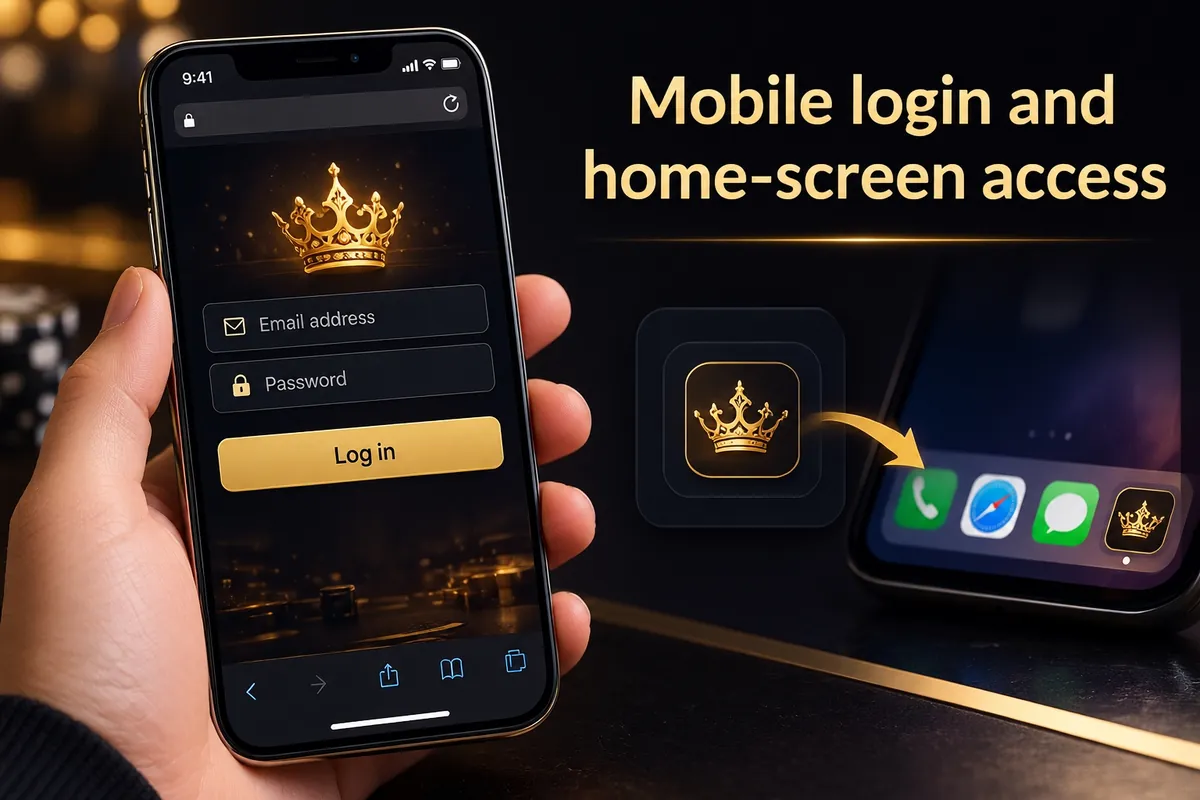
Every Golden Crown casino login australia players make starts in the same place: the account area at the top of the page. There is one account per player, and it follows you between desktop, tablet and phone. The balance in AUD, the bonus progress and the game history all sit behind that single sign in, so you never need to move money between versions of the site.
Open the homepage, find the Log in button and keep your email and password ready. New players can register from the same panel in about two minutes, then come back and use the steps below. Registration here runs on AUD by default, which matters if you plan to deposit with POLi or Neosurf.
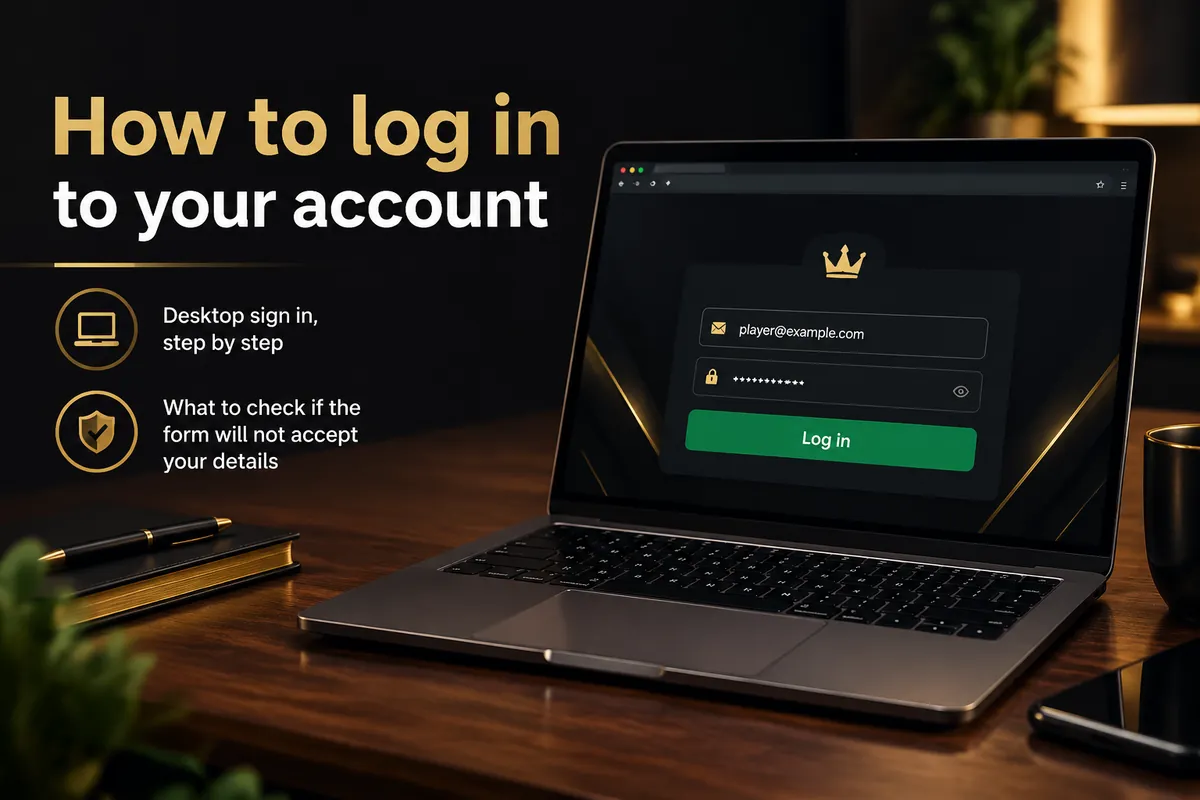
Desktop sign in, step by step
On a laptop or desktop the form sits in the top right of the header. Two fields appear: the email address you registered with and your password. The email field is case sensitive, so a capital letter typed by mistake is the most common reason a correct password looks wrong.
Press Log in and the lobby loads with your balance in the header. If you chose two-factor protection, a short code arrives by message or authenticator app before the account opens. Once you are in, the account menu shows deposits, withdrawals, bonuses and the verification centre in one list. The session stays open until you sign out or close the browser.
What to check if the form will not accept your details
Nine out of ten failed attempts come down to four small things, and each has a quick fix:
- An old password saved by the browser is being filled in automatically — clear the field and type it by hand.
- The email has a typo or a different address from the one you registered with.
- Caps lock is on, or the keyboard is set to the wrong layout.
- The account was locked after repeated wrong attempts — a password reset clears it at once.
There is no separate login for live casino, pokies or the VIP area. One sign in unlocks all 4,000+ titles and 150+ live tables, and the game you played last is usually waiting on the lobby screen. If you want the short version of the entrance, the Golden Crown Casino homepage keeps the Log in button visible at every screen size.
Resetting a forgotten password
Use the Forgot password link under the login form. Enter the email on the account and the site sends a reset message within a few minutes. Open it on the same device and set a new password of at least eight characters.
Check the spam folder if the message does not appear. Reset links expire quickly, so request a fresh one if yours is old. Once the new password is saved, sign in again and reopen the lobby — bonus progress and the AUD balance are untouched by a reset.
Verification before your first payout
The login screen never asks for documents, but the cashier does before the first withdrawal. A government photo ID and a proof of address dated within the last three months are enough for most players. Reviews usually finish within 24 to 72 hours once the files are uploaded.
Some accounts also trigger a selfie check, which is why the process can feel longer than expected. Uploading documents early, well before a win lands, keeps the first cashout on schedule. Verification status is visible in the account menu the moment you sign in.