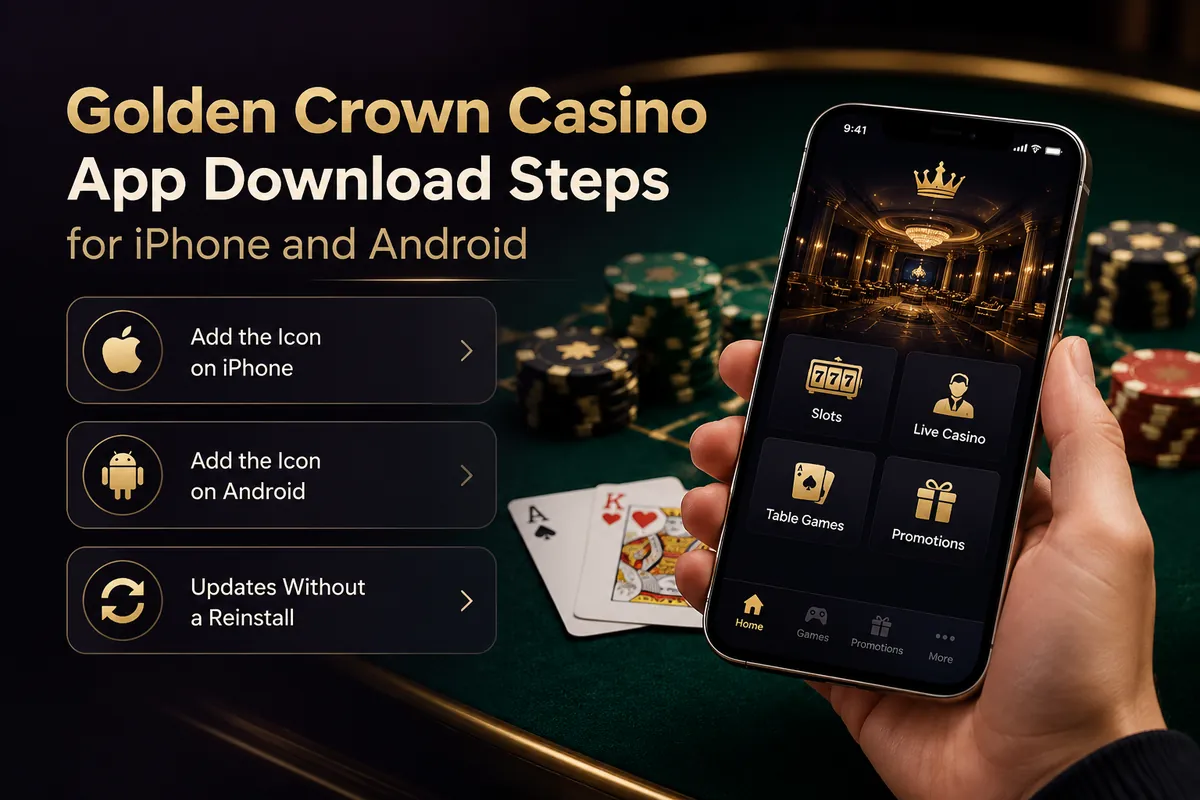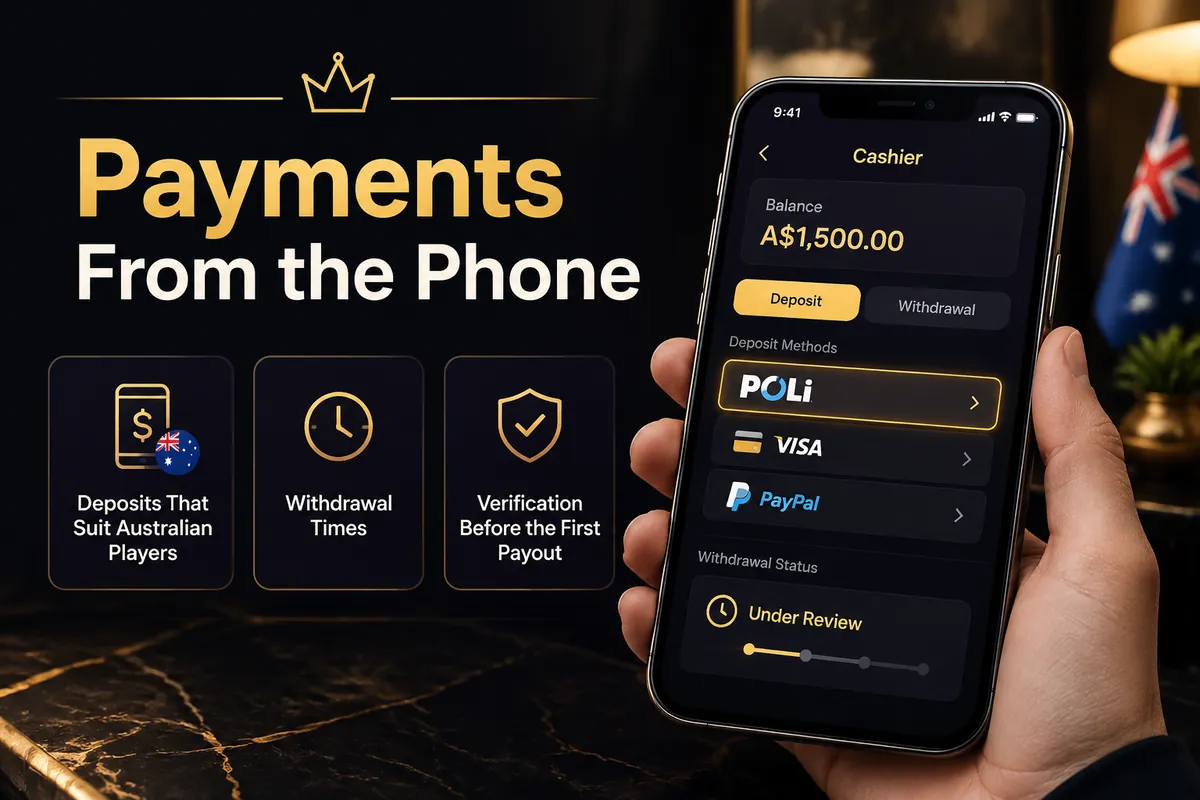
Most casino apps in Australia ask you to trust a file from a forum or wait for a store listing that rarely arrives. The golden crown casino app skips that problem entirely, because there is nothing to sideload. Your phone already has everything the lobby needs.
No Store Account, No Permissions
Installing from a store means signing in, agreeing to permissions and letting the store decide when your version updates. The PWA route needs none of that. The only thing on your phone is a bookmark that opens the live site, so there is no request for your contacts, camera roll or location.
That matters when you play on a work phone or a device you share. You can remove the icon in two taps and nothing stays behind, apart from your saved login if you choose to keep it. The same logic applies to any other app you would have installed for a few spins.
Always the Current Version
Store apps lag behind the site. A new pokie or a cashier change can sit in review for days, while the browser version shows it the moment it goes live. With the PWA, the lobby you open on Monday matches the desktop view, including the latest promotions and jackpot totals.
There is also no version number to compare or update screen to dismiss. If a page ever looks stale, a quick reload in the browser sets it right, and your balance and bonus progress remain untouched.
What You Give Up
The honest trade-off is that you do not get push notifications the way a native app delivers them, and the icon is a shortcut rather than an installed package. For most players that is a fair swap, especially since live chat, the cashier and every game stay identical. Log in once and the session carries over between the phone and a laptop.
Data use is another point in the PWA's favour. Games stream assets as you open them instead of shipping a heavy package you may never fully use, which keeps an older handset and a monthly data plan comfortable.